
Saasix page
Creating Mobile-Friendly SaaS Applications
A cleaner, more product-oriented page intro keeps the inner pages consistent with the premium SaaS direction used across the homepage redesign.
Fast
Lighter hero composition with clearer hierarchy and less decorative noise.
Clear
Compact breadcrumb, stronger title rhythm, and more readable supporting copy.
Designing for the Smallest Screen First
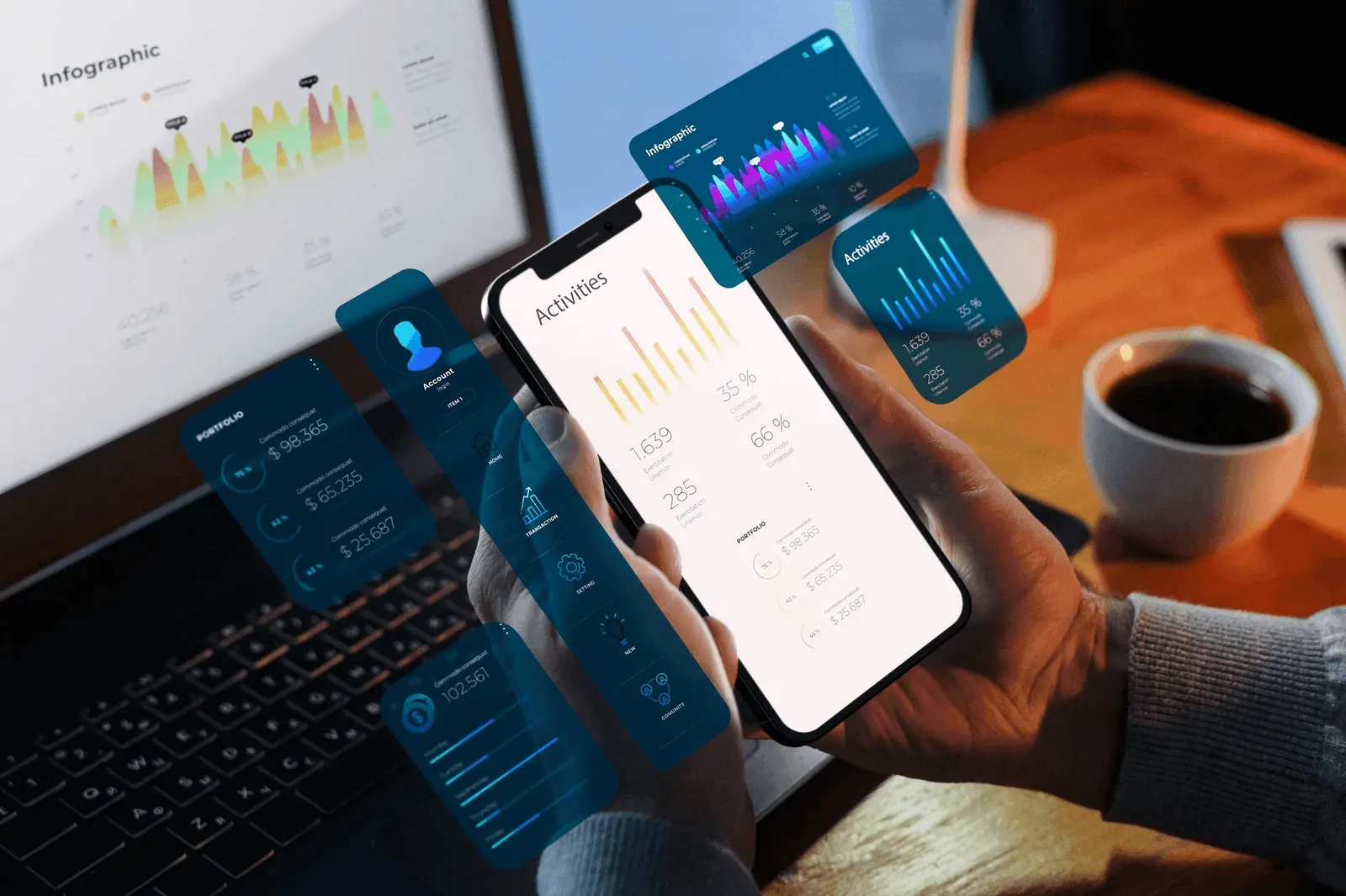
Mobile-first is no longer a nice-to-have — it is the dominant usage pattern for most SaaS products. Treating mobile as a downsized version of desktop leads to cramped layouts, slow interactions, and frustrated users. Design the essential flows for a 375px viewport before scaling up.
Performance Is a Feature
Mobile networks and devices are wildly uneven. A dashboard that loads in 400ms on desktop can take six seconds on a mid-range phone over 4G. Measure real-world performance, not just lab scores, and set budgets for JavaScript bundle size, font payload, and image weight.
- Ship critical CSS inline, defer the rest
- Use responsive images with proper sizes attribute
- Lazy-load below-the-fold content
- Prefer system fonts for body copy
- Split bundles by route, not by page
Respect Touch Targets and Thumbs
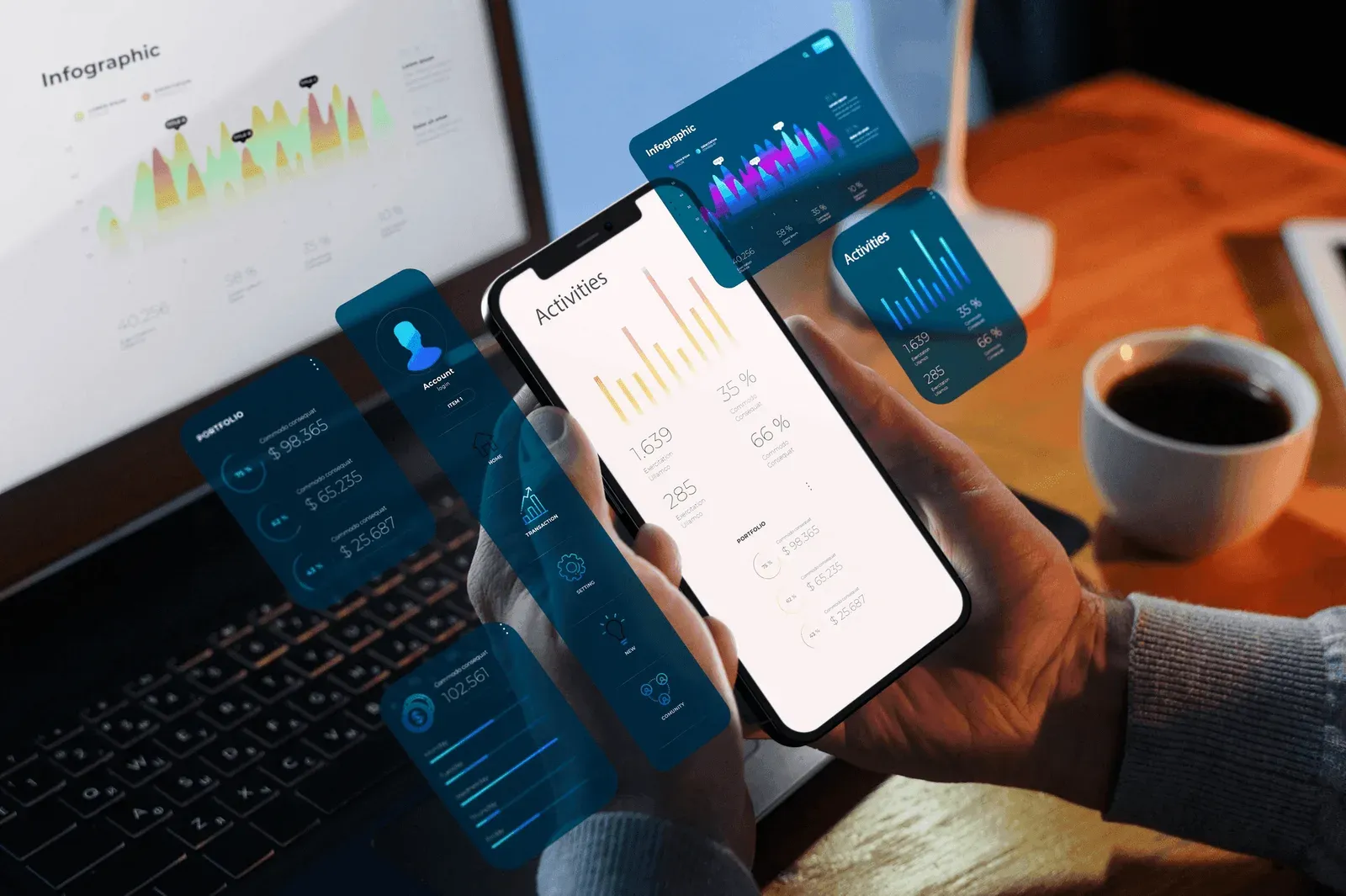
Primary actions belong in the lower third of the screen where thumbs can reach them. Hit targets should be at least 44px square. Swipe, long-press, and pull-to-refresh reward users who expect them — but never hide critical actions behind gestures with no visual affordance.
If the workflow hurts on mobile, the product loses — even when desktop usage looks healthy.
Test on Real Hardware
Keep a drawer of older phones for QA. Emulators miss the quirks that real users hit: flaky biometrics, aggressive battery savers, weird viewport insets. One afternoon with a mid-range Android catches issues no Chrome DevTools device emulator will.